How many sheets of reinforcing mesh do I need for a concrete slab?
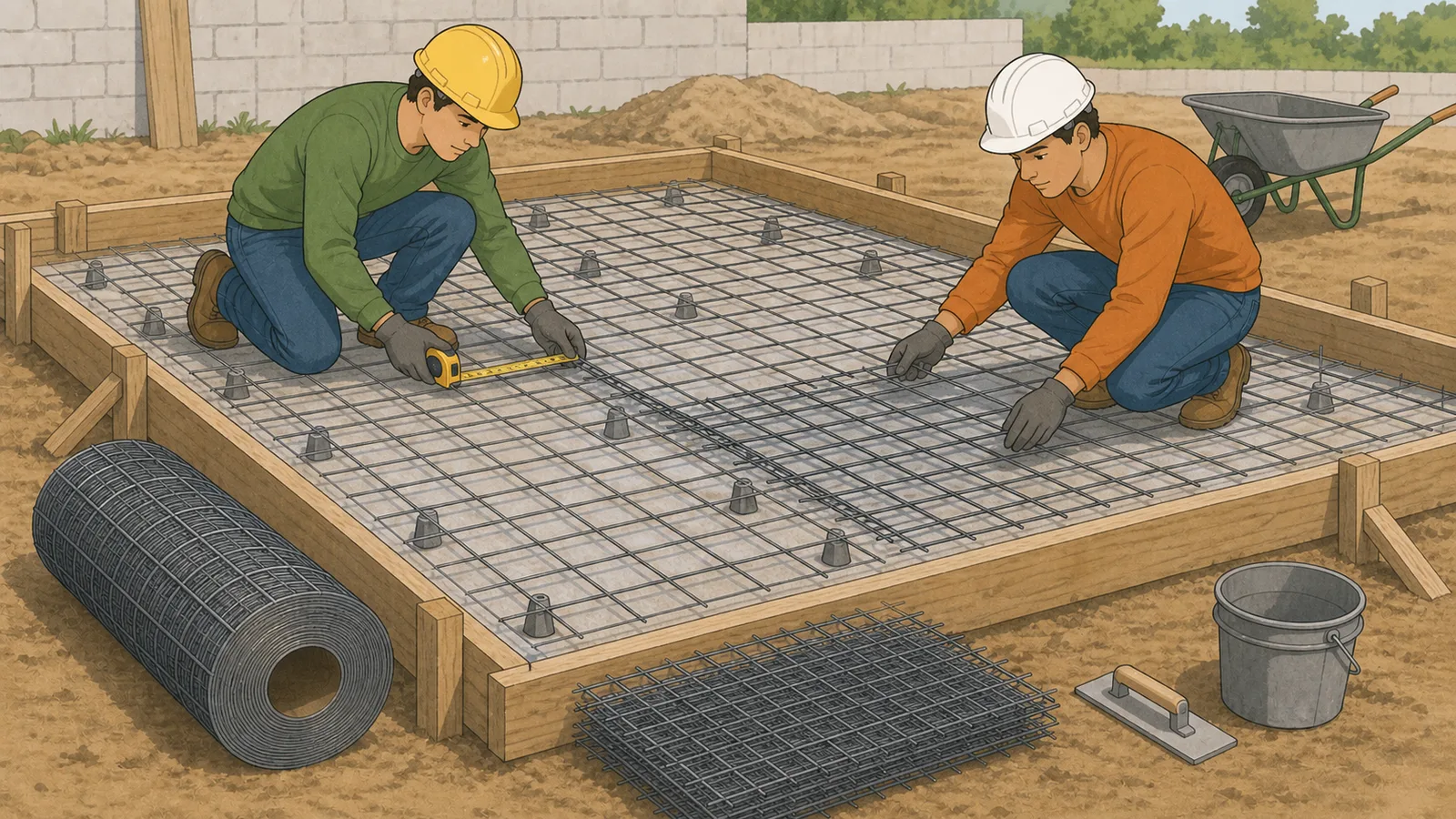
You need the slab dimensions, the mesh sheet size, the overlap distance, and the number of reinforcement layers. A concrete reinforcing mesh calculator uses those values to estimate how many sheets fit along each slab direction, then adds waste to reach a practical order quantity.
Why does overlap change the welded wire mesh sheet count?
Because every overlap reduces the extra coverage that the next sheet contributes. If you ignore lap distance, a simple area estimate can under-order welded wire mesh even when the slab area itself is correct.
Can I use this welded wire mesh calculator for double-layer slabs?
Yes. Choose a double-layer layout when the drawings call for two mats. The calculator multiplies the base sheet layout by two before adding waste so the order quantity matches the actual layer count.
What overlap should I enter for concrete reinforcing mesh?
Enter the actual lap distance from the drawings, specification, or supplier detail. Many slab-on-ground details use a common lap reference such as one mesh square plus 2 inches for plain welded wire reinforcement, but that is not universal and should not be guessed if the project documents say otherwise.
Does a concrete mesh calculator replace a structural design or bar schedule?
No. It is a sheet-count and layout aid only. Final mesh type, lap requirements, support chairs, cover, and structural detailing must come from the project drawings and engineering requirements.
Is welded wire mesh the same as rebar for every slab?
No. Some slabs use welded wire reinforcement mainly for crack control, while others need rebar, dowels, thicker sections, or more detailed structural reinforcement. The correct reinforcement system depends on the design intent and loading, not just on slab area.
Why does the calculator show overrun beyond the slab dimensions?
Because rectangular sheet layouts rarely stop exactly at the slab edge after overlap is applied. The overrun output helps you see how much extra mesh the chosen panel size creates, which is useful when comparing supplier sheet sizes or estimating cuts.
Does the price estimate include spacers, tying wire, and labor?
No. The price output is a sheet-material estimate only. It does not include chairs or spacers, tying wire, delivery, cutting labor, or any reinforcement accessories needed to place the mesh correctly.
Can I use this for roll mesh instead of sheet mesh?
Yes. Choose a roll preset or enter the roll length and roll width manually, then use the overlap distance from the drawing, specification, or supplier detail. The math is still based on layout coverage, but handling, flattening, and installation behavior for rolls can differ from prefabricated sheet mats.
Is sheet mesh or roll mesh better for a slab?
It depends on slab shape, product size, access, and handling. Roll mesh can work well for long narrow areas if the roll width suits the slab, while sheet mesh can be easier to stage and place on smaller rectangular slabs. Compare order count, purchased area, overrun, and coverage efficiency rather than choosing by unit price alone.
Why does the calculator start with a garage slab example?
A realistic default makes the calculator useful immediately and gives you a quick reference for the formulas. You can switch to the driveway strip or double-layer pad examples, or overwrite every field with your own slab dimensions and supplier mesh size.
What if the slab is not a simple rectangle?
Break the job into separate rectangular areas, estimate them individually, and then add a project-specific waste allowance for cuts and irregular edges. A single rectangular slab result is usually not reliable for irregular footprints, openings, or complex pour boundaries.