Why does my average speed feel lower than expected?
Slow segments have a disproportionately large effect because they take up more time. Spending 30 minutes at 20 km/h contributes 10 km but costs as much time as 60 km at 120 km/h, pulling the average down significantly.
Can I use this for cycling pace?
Yes. Enter distance in kilometres or miles and time in hours and minutes for each segment. The result shows average speed in both km/h and mph, which you can use to estimate finish times or compare rides.
What is the difference between average speed and average velocity?
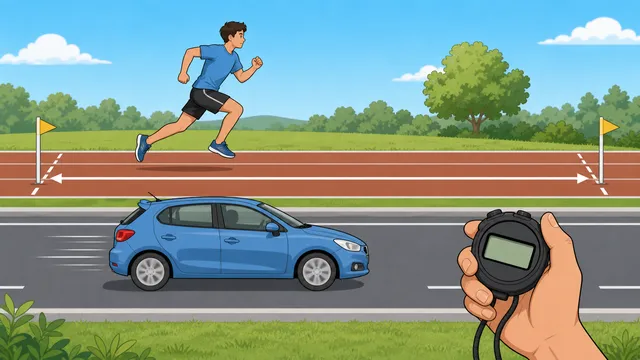
Speed is a scalar (magnitude only) while velocity is a vector (magnitude and direction). Average speed is total distance divided by total time regardless of direction. Average velocity is displacement divided by time and equals zero for a round trip even if the car was moving the whole time.
How do you calculate average speed from distance and time?
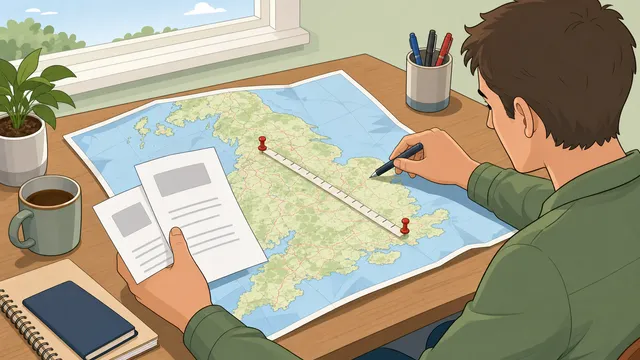
Use the average speed formula: average speed = total distance divided by total time. If a journey covers 180 km in 3 hours, the average speed is 60 km/h. The key is that the time must represent the whole elapsed period you want the result to describe.
Why can’t I just average two speeds directly?
You can only average speeds directly when they apply for the same amount of time. If they apply over equal distances, the slower segment takes longer and therefore weighs more heavily in the true average. That is why equal-distance journeys use a harmonic-mean pattern rather than a simple arithmetic mean.
Does average speed include stops?
It can, depending on the time you enter. If you use total elapsed time from departure to arrival, then stops are included and the answer reflects trip average speed. If you use moving time only, then the answer reflects moving average speed instead.
What is the average speed for a round trip if the outward and return speeds differ?
For equal outbound and return distances, you should not take the simple mean of the two speeds. Instead, calculate the time for each leg, add the times together, then divide total round-trip distance by total round-trip time. That produces the true round-trip average speed.
When does the harmonic mean apply to average speed?
The harmonic mean applies when equal distances are covered at different speeds. In that case, the combined average is lower than the arithmetic mean because the slower speed occupies more of the total time. This is why many textbook average speed examples produce a counter-intuitive answer.
How do I calculate average speed across multiple journey segments?
Work out the time for each segment using segment time = segment distance / segment speed, then add all distances and all times. Dividing total distance by total time gives the overall average speed. This is the right approach for trips with motorways, city traffic, stops, or mixed cycling terrain.
Why is my trip average lower than my moving speed?
Trip average usually includes periods when you are stationary or travelling slowly, such as traffic lights, junctions, climbs, queues, or rest stops. Moving speed excludes those periods. For arrival-time planning, trip average is usually the more useful number.
What units should I use for average speed?
Any consistent distance-and-time combination works, but km/h and mph are the most common for transport and cycling. If you enter kilometres, interpret the result in km/h; if you enter miles, interpret it in mph. The page shows both outputs to make comparisons easier.
How do stops and delays change average speed?
Stops increase elapsed time without adding distance, so they lower the trip average. If you drive 100 km in 1 hour of moving time but also stop for 30 minutes, the moving speed is 100 km/h while the stop-inclusive trip average is 66.7 km/h.
What does the target-speed comparison mean?
The target-speed comparison calculates how long the same distance would take at the benchmark speed, then compares that planned time with your actual elapsed time. It is useful for arrival estimates, delivery planning, cycling goals, and understanding whether a delay matters in minutes rather than only in km/h or mph.
Should I enter moving time or elapsed time?
Use elapsed time when you care about arrival time or trip planning, because it includes stops and slowdowns. Use moving time when you want to compare performance while actually travelling. If you know both, enter moving time plus stops separately so the calculator can show both figures.